

1-888-785-2677
Search for the projector lamp you need!

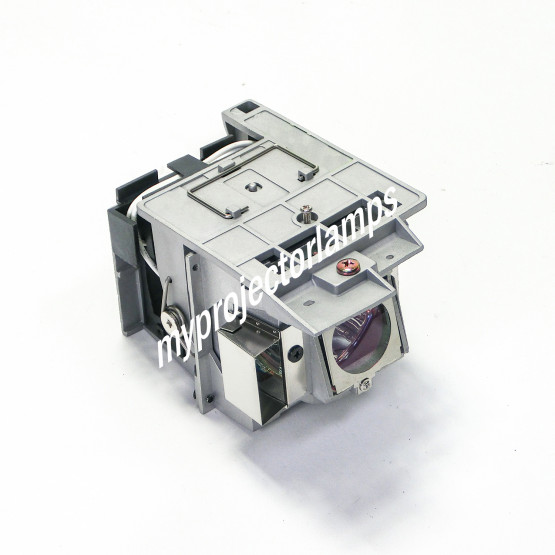
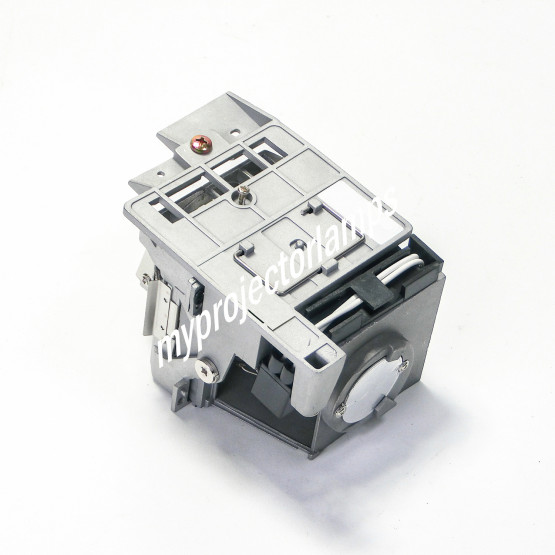
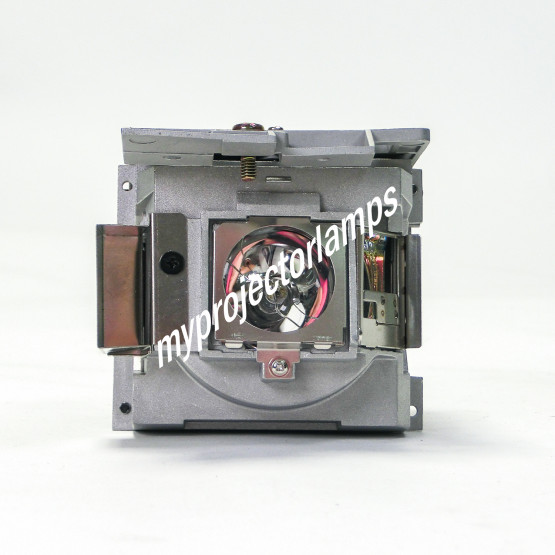
Viewsonic PRO8530HDL Projector Lamp with Module


Technical Information
| Brand | Viewsonic |
| Projector Model | PRO8530HDL |
| Lamp Part Number | See "Alternative Lamp ID's" |
| Type | Projector Lamp with Module |
| Internal SKU # | MPLL11687 |
 Free Shipping Standard Delivery
Free Shipping Standard Delivery
£207.28
5 Items in Stock
Items Ship Immediately

| Lowest Price Guaranteed |

|
We Accept Purchase Orders |




Suitable Projectors
- Benq 65.J9306.002
- Benq MH760
- Benq SU922
- Benq SW921
- Benq SX920
- JVC LX-FH50
- JVC LX-WX50
- Viewsonic PG800HD
- Viewsonic PG800W
- Viewsonic PG800X
- Viewsonic pro8510l
- Viewsonic PRO8520WL
- Viewsonic PRO8530HDL
- Viewsonic PRO8800WUL
- Viewsonic VS16369
- Viewsonic VS16370
- Viewsonic VS16371
- Viewsonic VS16372
- Viewsonic VS16373
Alternative Lamp ID's
Do you have a question about this product?
If you have a question about the product specifications or the functionality of the lamp, please type it in here and contribute to the MPL community.
If you have a question related to price or shipping please contact our helpful, accountable Customer Service.
F.A.Q. #1
Does this module match my projector?
See "Suitable Projectors" Above.
F.A.Q. #2
Is it as good as the bulb that came with my projector originally?
It is exactly the same quality, it is not an imitation lamp.
F.A.Q. #3
If I buy this item and find out it is the wrong item or doesn't work for any reason, can I get an exchange or refund?
EXCHANGES: You can return a lamp for exchange within 180 days of purchase. REFUNDS: You can return the lamp for ANY REASON within 30 days of purchase and receive a refund. *Restock fee may apply.

Receive $100 For contributing to our community
After you purchase, contribute to our community below by reviewing the high-quality products we sell. We are confident in our quality and for your contribution, you will be automatically entered into our current month's $100 giveaway!
If you have feedback for our CUSTOMER SERVICE department, please email directly or call us toll-free 1-888-785-2677 and ask for Jesse.
Question Answered
Do you have instructions for changing the lamp for this specific model? Asked by Carlos REne P. On Jun 11, 2026
Changing or replacing the lamps for each projector have similar instructions.
There are a few steps you need to take to replace the lamp and/or module.
To install a projector lamp with the housing, make sure the projector is unplugged and is sitting on a flat surface.
Loosen the screw that holds the projector lamp module cover in place and remove the panel.
Unplug the old projector lamp and remove it from the projector.
Plug the new projector lamp securely into place.
Attach the panel back onto the projector and tighten the screw.
To install a bare projector bulb, follow steps 1-2 above and remove the retaining clip holding the old lamp in place.
Unscrew the screws connected to the bare projector bulb.
Replace the old lamp with a brand new replacement bulb and fasten the clip.
Tighten the screws.
Answered by MyProjectorLamps Support On Jun 16, 2026